

Filters worden geladen

Toetsenborden voor Apple MacBook


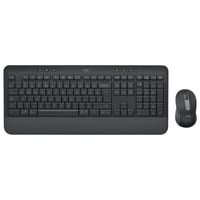
LogitechSignature M650 Combo for Business desktopset
Grafiet, US-International lay-out (QWERTY), 100%, 400-4000 dpi, 2.4 GHz / Bluetooth
- Producttype: Desktopset
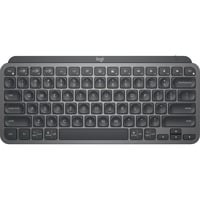
LogitechMX Keys Mini Minimalist Wireless toetsenbord
Grafiet, US-International lay-out (QWERTY), 80% (TKL), Bluetooth

- Verbinding: Draadloos
- Verlichting: Ja
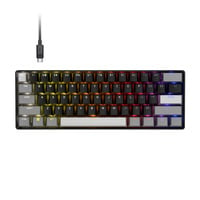
CorsairCLIPPER PRO MINI 60 RGB mechanisch gaming toetsenbord
Zwart, US lay-out (QWERTY), Corsair MGX Hyperdrive, 60%
- Lay-out: US lay-out
- Verbinding: Kabel
- Switch type: Corsair MGX Hyperdrive
- Verlichting: RGB
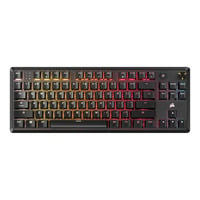
CorsairK70 CORE TKL RGB mechanisch gaming toetsenbord
Zwart, US lay-out (QWERTY), Corsair MLX Red v2, 80% (TKL), Hot-swappable, ABS Double shot
- Lay-out: US lay-out
- Verbinding: Kabel
- Switch type: Corsair MLX Red v2
- Verlichting: Afzonderlijk instelbare toetsverlichting, RGB
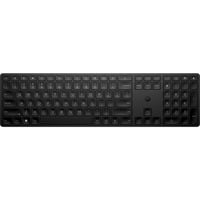
HP450 draadloos toetsenbord
Zwart, BE lay-out (AZERTY), 100%
- Lay-out: Belgisch
- Verbinding: Draadloos
- Producttype: Toetsenbord
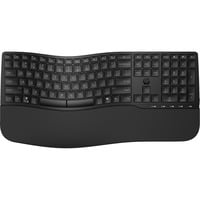
HP680 ergonomisch draadloos toetsenbord
Zwart, BE lay-out (AZERTY), Plunger, 100%
- Lay-out: Belgisch
- Verbinding: Draadloos
- Switch type: Plunger
- Producttype: Toetsenbord
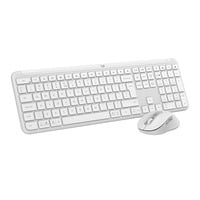
LogitechMK950 Signature Slim draadloze desktopset
Wit, US-International lay-out (QWERTY), 400 - 4000 dpi
- Verbinding: Draadloos
- Producttype: Desktopset
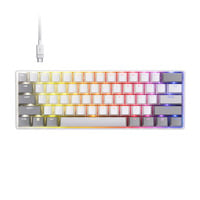
CorsairCLIPPER PRO MINI 60 RGB mechanisch gaming toetsenbord
Wit, US lay-out (QWERTY), Corsair MGX Hyperdrive, 60%
- Lay-out: US lay-out
- Verbinding: Kabel
- Switch type: Corsair MGX Hyperdrive
- Verlichting: RGB
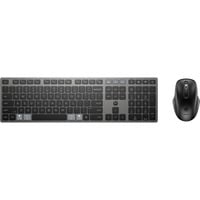
HP720 draadloos toetsenbord en muis desktopset
Zwart, BE lay-out (AZERTY), 100%, 1600 dpi - 4000 dpi
- Lay-out: Belgisch
- Verbinding: Draadloos
- Producttype: Desktopset
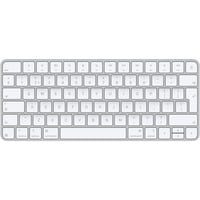
AppleMagic Keyboard
Wit, NL lay-out (QWERTY), 80% (TKL), Bluetooth
- Lay-out: Nederlands
- Verbinding: Draadloos
- Producttype: Toetsenbord
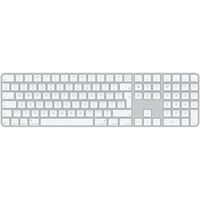
AppleMagic Keyboard met Touch ID en numeriek toetsenblok
Grijs, NL lay-out (QWERTY), 100%, Bluetooth
- Lay-out: Nederlands
- Verbinding: Draadloos
- Producttype: Toetsenbord
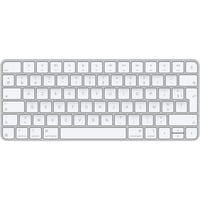
AppleMagic Keyboard
Zilver, FR lay-out (AZERTY), 65%
- Lay-out: Frans
- Verbinding: Draadloos
- Producttype: Toetsenbord
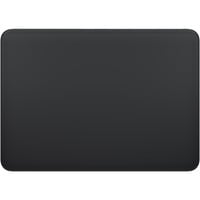
AppleMagic Trackpad touchpad
Zwart, Bluetooth
- Verbinding: Draadloos
- Producttype: Touchpad
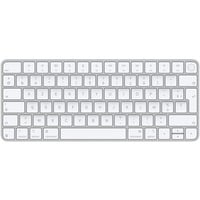
AppleMagic Keyboard met Touch ID
Zilver, FR lay-out (AZERTY), 65%
- Lay-out: Frans
- Verbinding: Draadloos
- Producttype: Toetsenbord
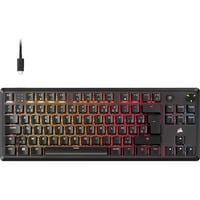
CorsairK70 CORE TKL RGB mechanisch gaming toetsenbord
Zwart, BE lay-out (AZERTY), Corsair MLX Red v2, 80% (TKL), Hot-swappable
- Lay-out: Belgisch
- Verbinding: Kabel
- Switch type: Corsair MLX Red v2
- Verlichting: Afzonderlijk instelbare toetsverlichting, RGB
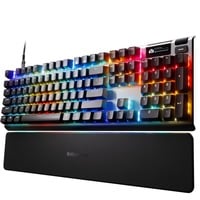
SteelSeriesApex Pro Gen 3 RGB mechanisch gaming toetsenbord
Zwart, US lay-out (QWERTY), SteelSeries OmniPoint 3.0, 100%
- Lay-out: US lay-out
- Verbinding: Kabel
- Switch type: SteelSeries OmniPoint 3.0
- Verlichting: Afzonderlijk instelbare toetsverlichting, RGB
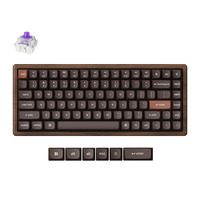
KeychronK2HE All-Wood Special Edition mechanisch toetsenbord
Houtkleur, US lay-out (QWERTY), Gateron Double-Rail Magnetic Nebula, 75%, Gateron Double-Rail Magnetic, OSA PBT double-shot, hot swap, Bluetooth 5.2 | USB-C
- Lay-out: US lay-out
- Verbinding: Draadloos
- Switch type: Gateron Double-Rail Magnetic Nebula
- Hot-swappable: Ja
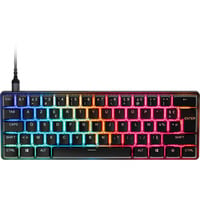
SteelSeriesApex Pro Mini Gen 3 RGB mechanisch gaming toetsenbord
Zwart, FR lay-out (AZERTY), SteelSeries OmniPoint 3.0, 60%
- Lay-out: Frans
- Verbinding: Kabel
- Switch type: SteelSeries OmniPoint 3.0
- Verlichting: Afzonderlijk instelbare toetsverlichting, RGB
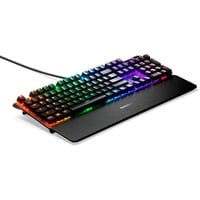
SteelSeriesApex 7 RGB mechanisch gaming toetsenbord
Zwart, FR lay-out (AZERTY), SteelSeries QX2 Red, 100%
- Lay-out: Frans
- Verbinding: Kabel
- Switch type: SteelSeries QX2 Red
- Verlichting: RGB
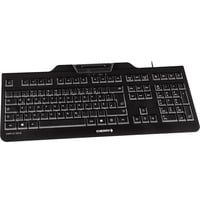
CHERRYKC 1000 SC toetsenbord
Zwart, BE lay-out (AZERTY), Smart Card reader
- Lay-out: Belgisch
- Verbinding: Kabel
- Producttype: Toetsenbord
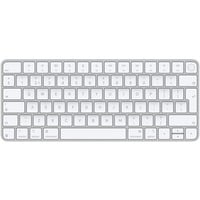
AppleMagic Keyboard met Touch ID
Wit, EU lay-out (QWERTY), Bluetooth
- Lay-out: EU lay-out (Qwerty)
- Verbinding: Draadloos
- Producttype: Toetsenbord
MacBook-toetsenborden voor een comfortabele en ergonomische typervaring
Een extern toetsenbord voor je Apple MacBook tilt je productiviteit naar een hoger niveau, zeker als je veel typt. Moderne Mac-toetsenborden sluiten naadloos aan op het Apple-ecosysteem: vertrouwde toetsindeling met Command- en Option-toetsen, directe toegang tot macOS-functies en vaak automatische koppelingsmogelijkheden via Bluetooth. Zo wissel je moeiteloos tussen MacBook, iPad en zelfs iPhone, zonder telkens opnieuw te moeten verbinden.
Voor wie lange dagen achter het scherm doorbrengt, bieden ergonomische modellen met een prettige toetsaanslag en polssteun extra comfort. Verlichte toetsen zorgen ervoor dat je ook in minder goed verlichte omgevingen efficiënt kunt blijven werken. In combinatie met functies als Spotlight, Mission Control en sneltoetsen in professionele software, wordt een goed MacBook-toetsenbord een verlengstuk van je workflow. Het resultaat: sneller werken, minder fouten en een consistente gebruikservaring binnen het volledige Apple-ecosysteem.