

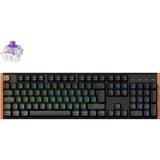

Toetsenborden voor Apple MacBook


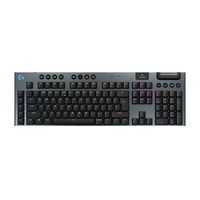
- Verbinding: Draadloos
- Switch type: GL Tactile
- Verlichting: RGB
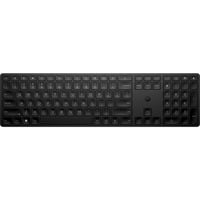
- Lay-out: Belgisch
- Verbinding: Draadloos
- Producttype: Toetsenbord
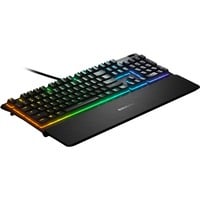
- Lay-out: Frans
- Verbinding: Kabel
- Switch type: SteelSeries Whisper-Quiet
- Verlichting: 10-zone verlichting, RGB
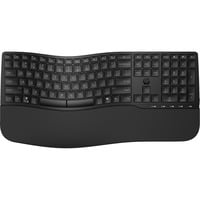
- Lay-out: Belgisch
- Verbinding: Draadloos
- Switch type: Plunger
- Producttype: Toetsenbord
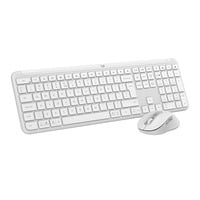
- Verbinding: Draadloos
- Producttype: Desktopset
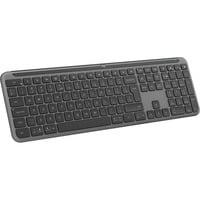
- Verbinding: Draadloos
- Producttype: Toetsenbord
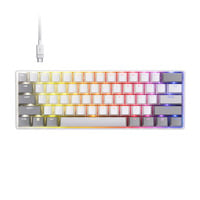
- Lay-out: US lay-out
- Verbinding: Kabel
- Switch type: Corsair MGX Hyperdrive
- Verlichting: RGB
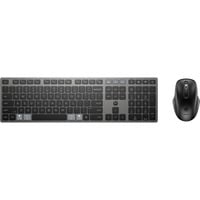
- Lay-out: Belgisch
- Verbinding: Draadloos
- Producttype: Desktopset
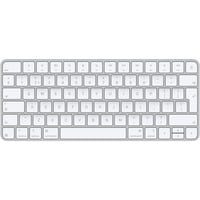
- Lay-out: Nederlands
- Verbinding: Draadloos
- Producttype: Toetsenbord
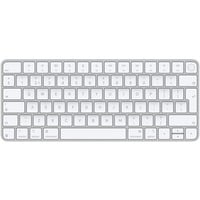
- Lay-out: EU lay-out (Qwerty)
- Verbinding: Draadloos
- Producttype: Toetsenbord
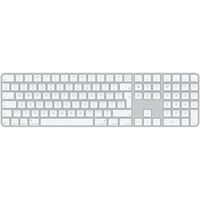
- Lay-out: Nederlands
- Verbinding: Draadloos
- Producttype: Toetsenbord
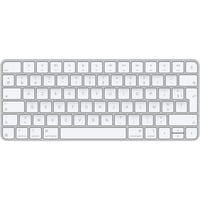
- Lay-out: Frans
- Verbinding: Draadloos
- Producttype: Toetsenbord
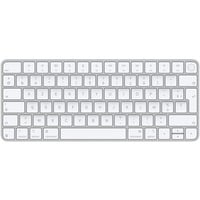
- Lay-out: Frans
- Verbinding: Draadloos
- Producttype: Toetsenbord
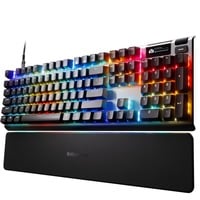

- Lay-out: US lay-out
- Verbinding: Kabel
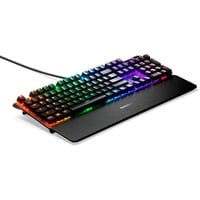
- Switch type: SteelSeries OmniPoint 3.0
- Verlichting: Afzonderlijk instelbare toetsverlichting, RGB
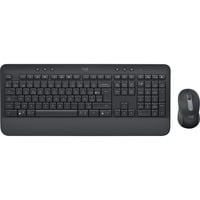
- Lay-out: Belgisch
- Verbinding: Draadloos
- Producttype: Desktopset
- Lay-out: Frans
- Verbinding: Kabel
- Switch type: SteelSeries QX2 Red
- Verlichting: RGB
- Lay-out: Belgisch
- Verbinding: Kabel
- Producttype: Toetsenbord
- Lay-out: Belgisch
- Verbinding: Kabel
- Verlichting: wit
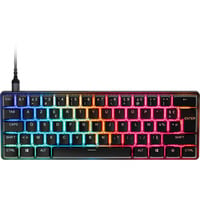
- Lay-out: Frans
- Verbinding: Kabel
- Switch type: SteelSeries OmniPoint 3.0
- Verlichting: Afzonderlijk instelbare toetsverlichting, RGB
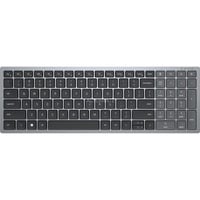
- Lay-out: Belgisch
- Verbinding: Draadloos
- Switch type: Scissor switches
- Producttype: Toetsenbord
MacBook-toetsenborden voor een comfortabele en ergonomische typervaring
Een extern toetsenbord voor je Apple MacBook tilt je productiviteit naar een hoger niveau, zeker als je veel typt. Moderne Mac-toetsenborden sluiten naadloos aan op het Apple-ecosysteem: vertrouwde toetsindeling met Command- en Option-toetsen, directe toegang tot macOS-functies en vaak automatische koppelingsmogelijkheden via Bluetooth. Zo wissel je moeiteloos tussen MacBook, iPad en zelfs iPhone, zonder telkens opnieuw te moeten verbinden.
Voor wie lange dagen achter het scherm doorbrengt, bieden ergonomische modellen met een prettige toetsaanslag en polssteun extra comfort. Verlichte toetsen zorgen ervoor dat je ook in minder goed verlichte omgevingen efficiënt kunt blijven werken. In combinatie met functies als Spotlight, Mission Control en sneltoetsen in professionele software, wordt een goed MacBook-toetsenbord een verlengstuk van je workflow. Het resultaat: sneller werken, minder fouten en een consistente gebruikservaring binnen het volledige Apple-ecosysteem.